Staff Book app icon

Staff Book

iOS · Attendance, advances, salary

The ledger for the people who run your home.

Maid, cook, driver, gardener, guard, presswala, milkman — Staff Book keeps attendance, advances, increments, bonuses, documents and every month’s salary math in one place, privately on your own phone. Most days you tap nothing: everyone is present by default, and one tap marks the exception.
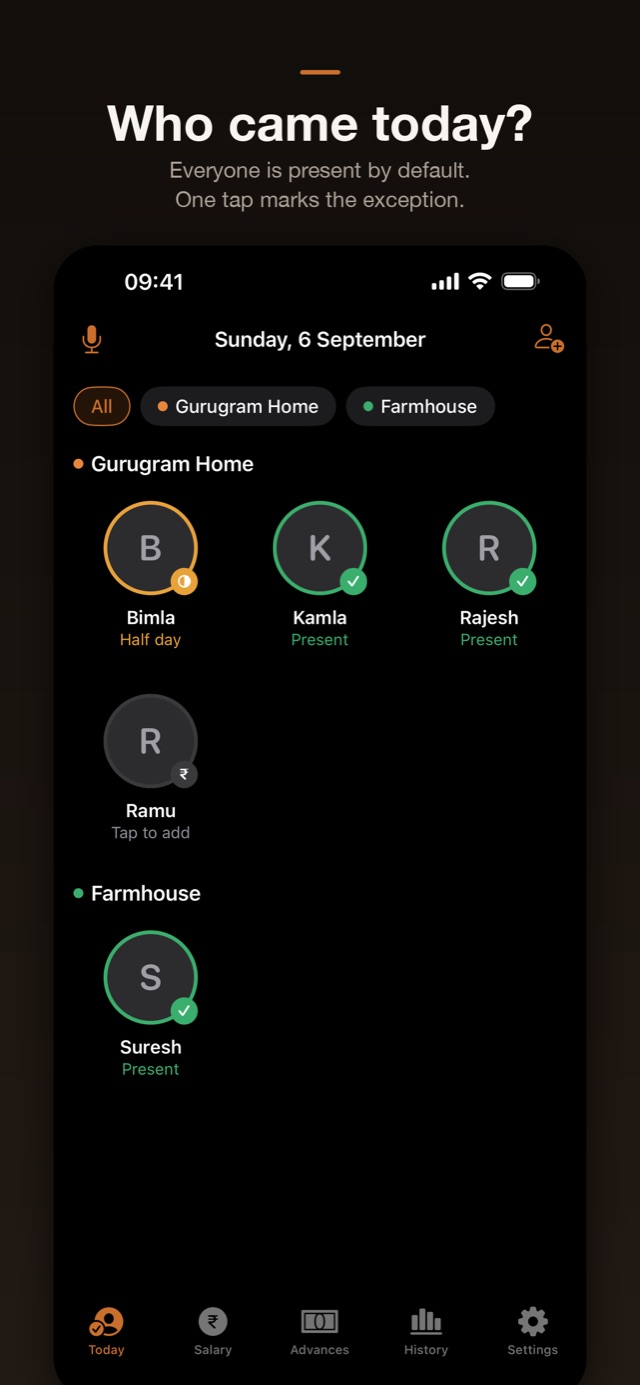
Staff Book screenshot: Who came today? Everyone is present by default, one tap marks the exception

A look inside.

From the App Store
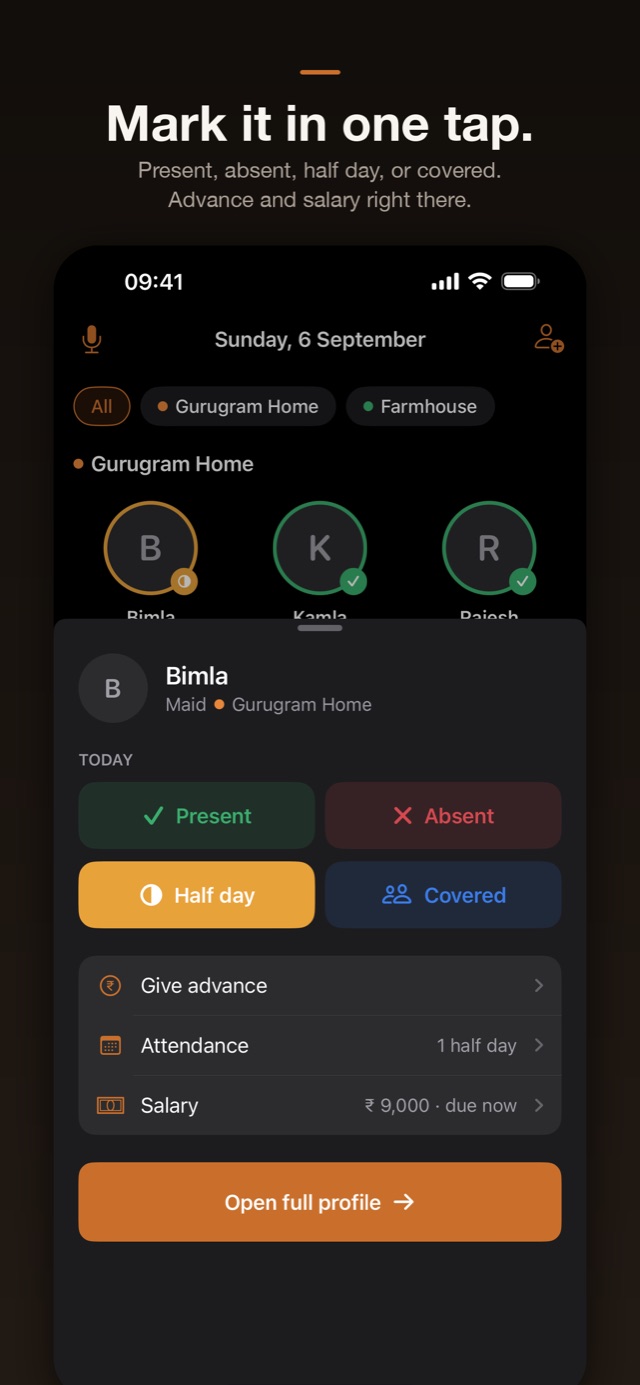
Staff Book screenshot: a sheet with Present, Absent, Half day and Covered, plus give advance and salary

Present, absent, half day or covered — one tap.
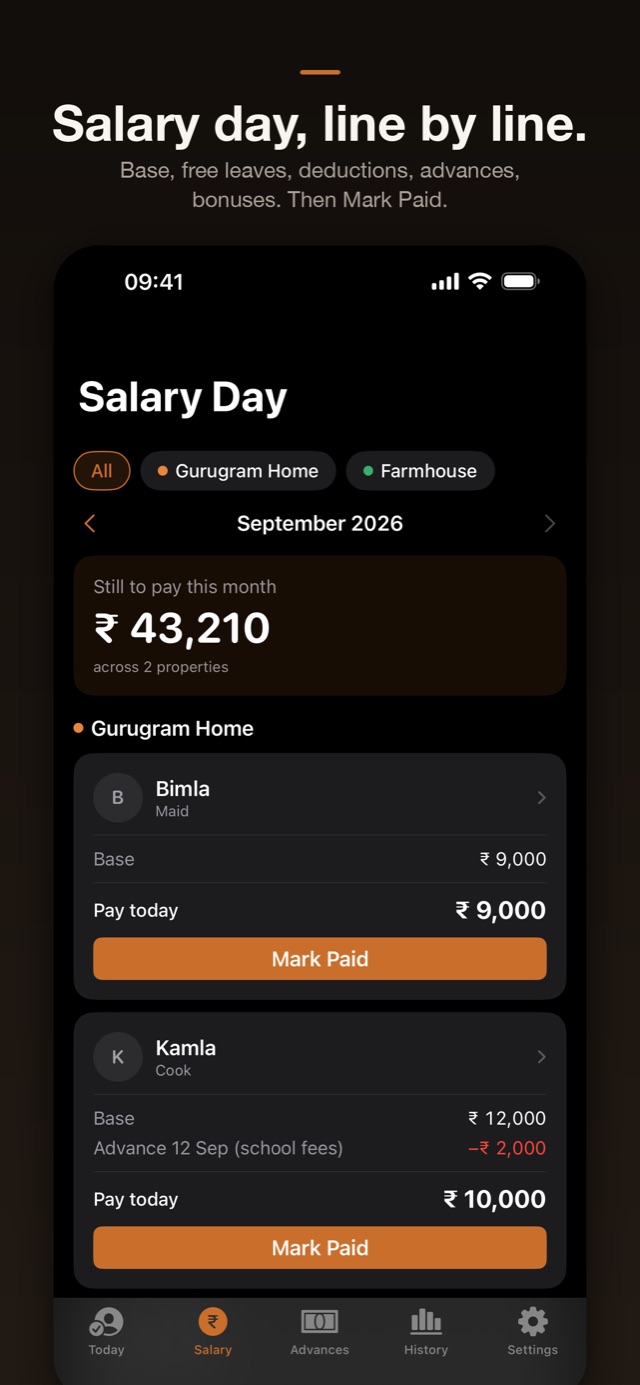
Staff Book screenshot: Salary Day showing base pay, an advance deduction and a Mark Paid button per person

Every line of the month’s pay, then Mark Paid.
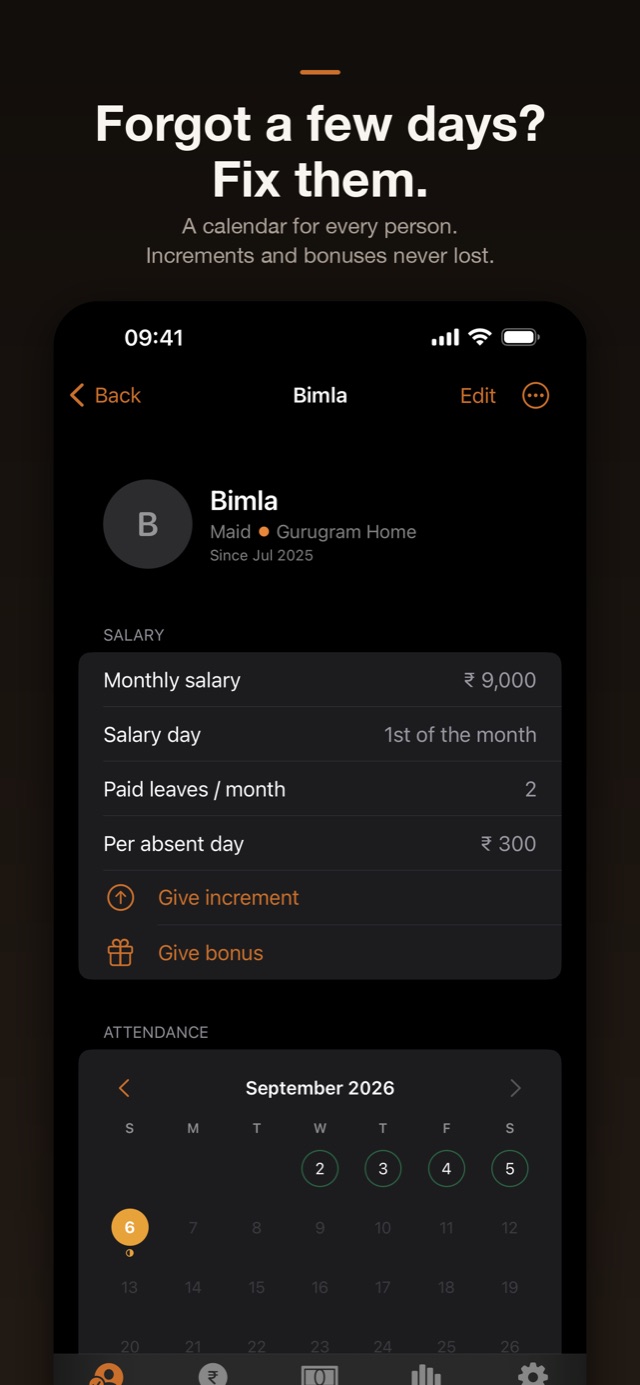
Staff Book screenshot: a person's profile with monthly salary, paid leaves, increments, bonuses and an attendance calendar

One person, one page — salary, leaves, calendar.
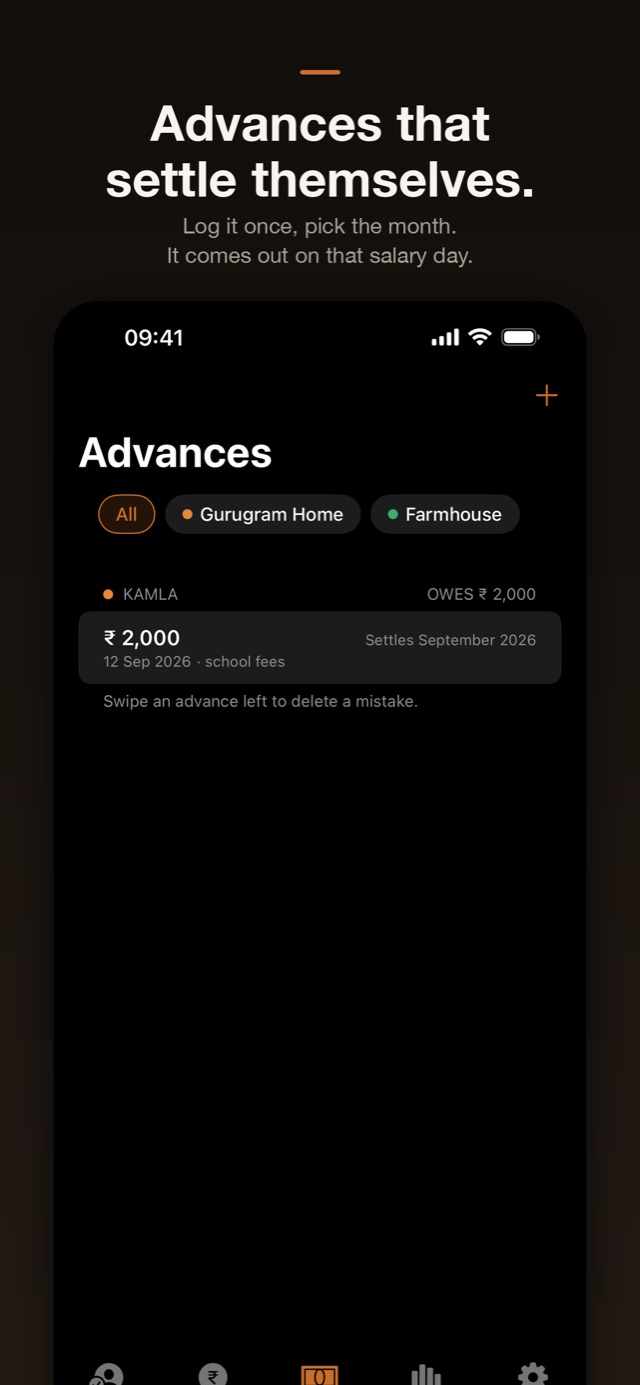
Staff Book screenshot: an advance of two thousand rupees for school fees, set to settle in September

Log an advance once; it settles itself.
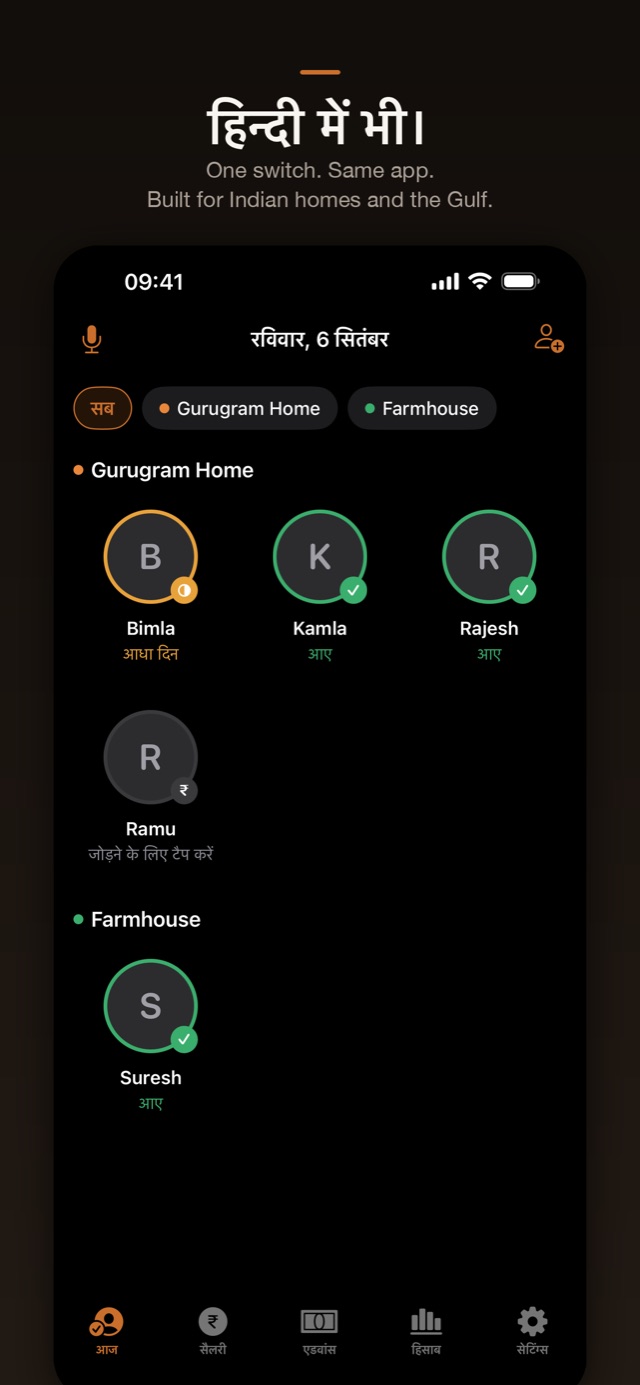
Staff Book screenshot: the same Today screen in Hindi

The whole app in Hindi, on one switch.
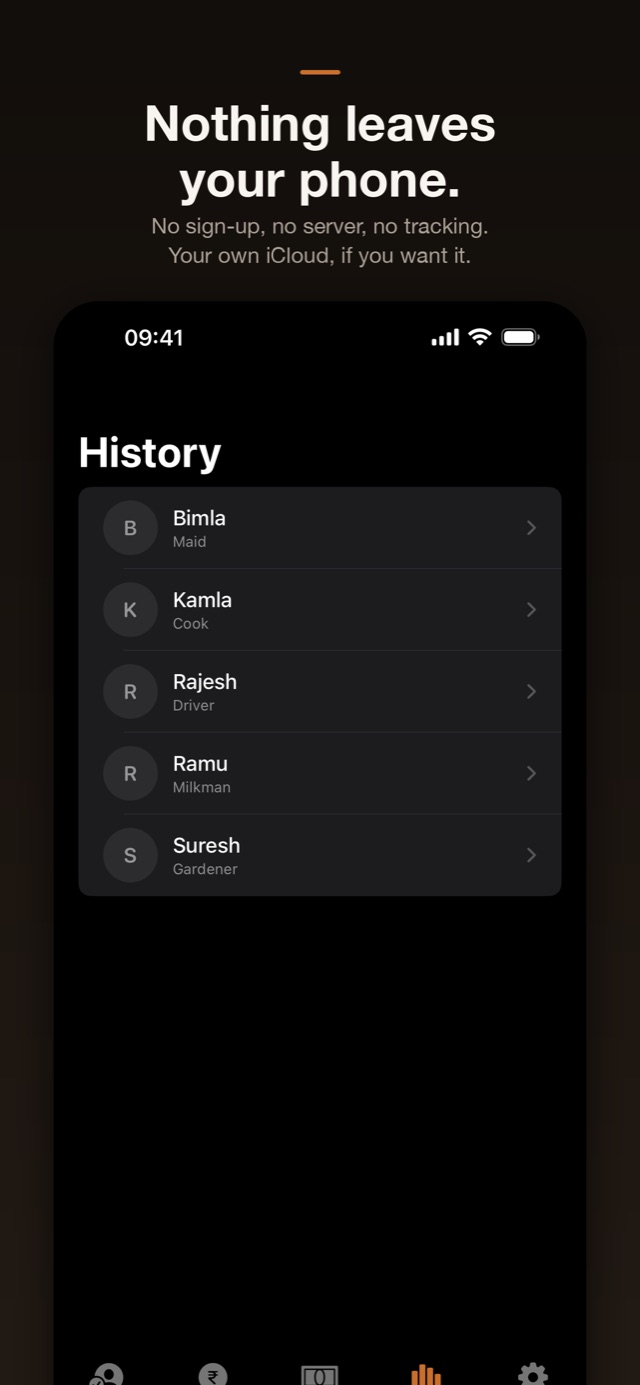
Staff Book screenshot: History listing every staff member with their role

Years of history, kept on your phone.

Features

Mark who came. The month adds itself up.

Absence, not attendance
Everyone is present by default, so most days you open nothing. When someone doesn’t come, one tap on their face marks them absent, half day, or covered by a replacement. A reminder at their usual arrival time lets you answer Yes or No without opening the app.
Salary day, line by line
Base salary, free leaves, deductions for extra absences, advances to recover, bonuses to add — you see every line, not just a final number. Tap Mark Paid and the month closes. Undo within 7 days if you got it wrong.
Advances that settle themselves
Gave ₹2,000 for school fees? Log it once, pick which month it comes out of, and it appears on that salary day automatically — no note on the fridge, no arithmetic at month end.
Per-visit people too
Presswala, milkman, or anyone paid by the visit: keep a price list, log each day in two taps, and settle the total monthly alongside everyone else.
Everything about one person
Salary history and every increment, bonuses this year, outstanding advances, a month-by-month record of what was paid — and a private vault for Aadhaar, police verification and agreements, photographed straight into the app.
More than one home
Group staff by property — the flat, the farmhouse, your parents’ place — and filter Today, Salary Day and Advances to one of them or see them all together.
Hindi, on one switch
Indian numbering, Indian paydays, English and Hindi with a one-tap switch. Built for Indian homes, and it works the same in Dubai, Riyadh or Doha.
Widgets, Siri and PDFs
An interactive home-screen widget marks attendance without opening the app, a Lock Screen widget shows the next salary due, Siri answers “who was absent this month”, and any person’s year exports as a PDF statement.

On device

Family, not accounts.

What you pay the people who work in your home is nobody else’s business — including mine. There is no sign-up, no server and no tracking. Your data lives on your iPhone and, if you like, in your own private iCloud, so your iPad and your spouse’s phone see the same book. Face ID lock included.

Data collectedNone
Account requiredNo
SyncYour own iCloud
Works offlineEntirely

Pricing

Free for 35 days, then your choice.

Everything in the app is free for 35 days — no card, no sign-up. After that, pick whichever suits you.

Three ways to keep going

  • Monthly — ₹99 per month (AED 15 in the Gulf)
  • Yearly — ₹799 per year (AED 119)
  • Lifetime — ₹2,999 once (AED 449), no subscription — and family-sharable

If you never pay, nothing you entered disappears: the app turns read-only, and every record stays visible and exportable as a PDF forever.

All purchases go through Apple — I never see your payment details. Subscriptions renew automatically until cancelled, and you can cancel any time in iOS Settings; the support page has the steps.

Purchases are subject to Apple’s standard EULA.

Also by me

View all 8 apps →